

FotoFlood

Passport photos, prints and greetings from one phone photo.

Pick a photo. FotoFlood sizes it for the passport office of 199 countries, puts it on a mug, a T-shirt or a family collage, or turns it into a Christmas, Eid or Diwali video. The photo never leaves your phone.

Android beta now. iPhone after that.

One app for the photo jobs of family life

FotoFlood is for the things families actually need photos for: an ID photo the passport office will accept, a mug for Mother’s Day, a greeting for Eid or Christmas, an old print brought back to life, and a phone gallery that is finally tidy.

It all works on your phone. Faces are found, backgrounds changed, text read and videos made inside the app, so your photos are not uploaded anywhere. Every preview is free; you pay only when you save the finished file.

199
countries’ passport and visa sizes
16
things to print, from wallet photos to canvas
25
festivals and occasions, with their own music
0
photos uploaded to us

What you can make

Every file comes out the right size for where it is going, so the pharmacy, the print shop or WhatsApp takes it as it is.

Passport, visa and ID photos

Choose the country and the document. FotoFlood finds your face, sets the head size and eye line the office asks for, and changes the background to the colour that country accepts. Ten checks tell you what to fix before you print.

  • 199 countries
  • US 2×2 in
  • UK and Schengen 35×45 mm
  • Canada 50×70 mm
  • 4×6 print sheet
A passport-size photo on a light grey background

Prints and gifts

Put the people in your photo on a beach, under the Christmas lights or on a plain colour, add a name or a line of text, and save a file any print shop can use. A button shows the print shops near you.

  • Photo prints
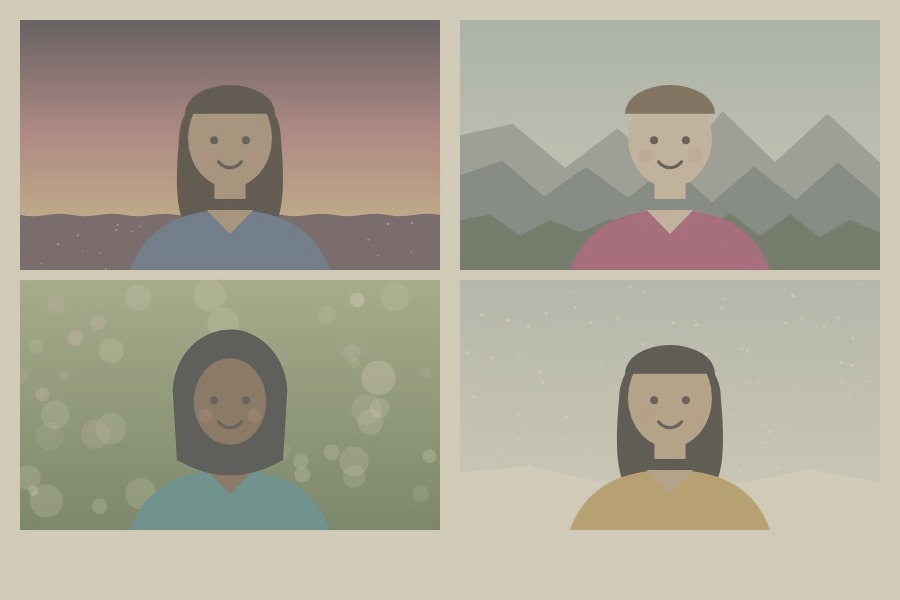
  • Family collage
  • Mug
  • T-shirt
  • Cushion
  • Mouse pad
  • Coaster
  • Fridge magnet
  • Keychain
  • Sticker sheet
  • Greeting card
  • Calendar
  • Poster
  • Canvas
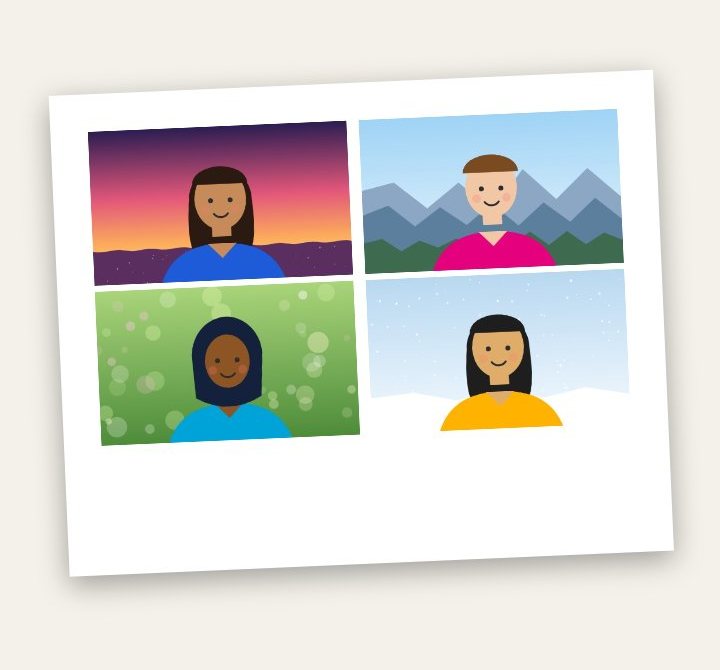
  • Polaroid style
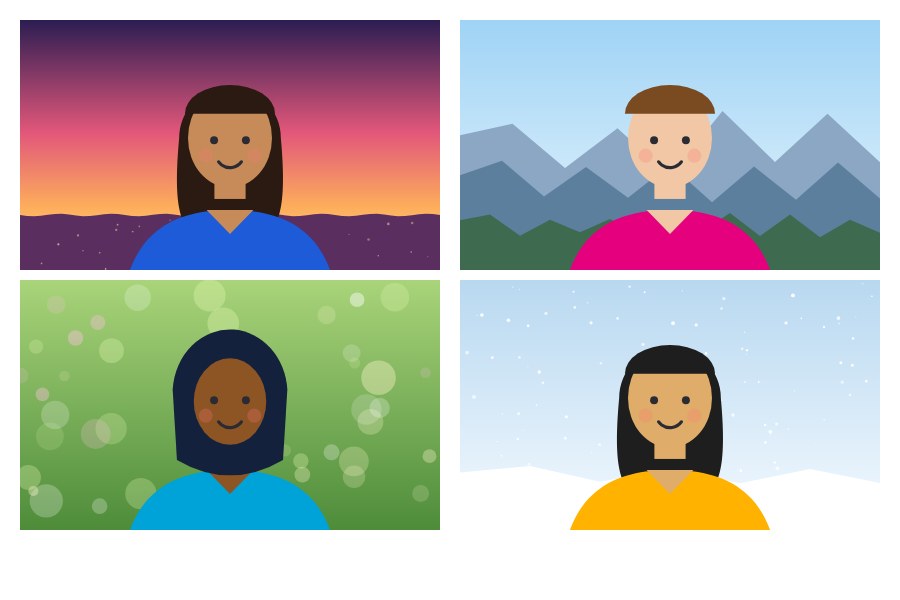
A mug design: two people on a beach scene with the words Best Mom Ever A four-photo family collage, each person on a different scene

Stickers and greeting videos

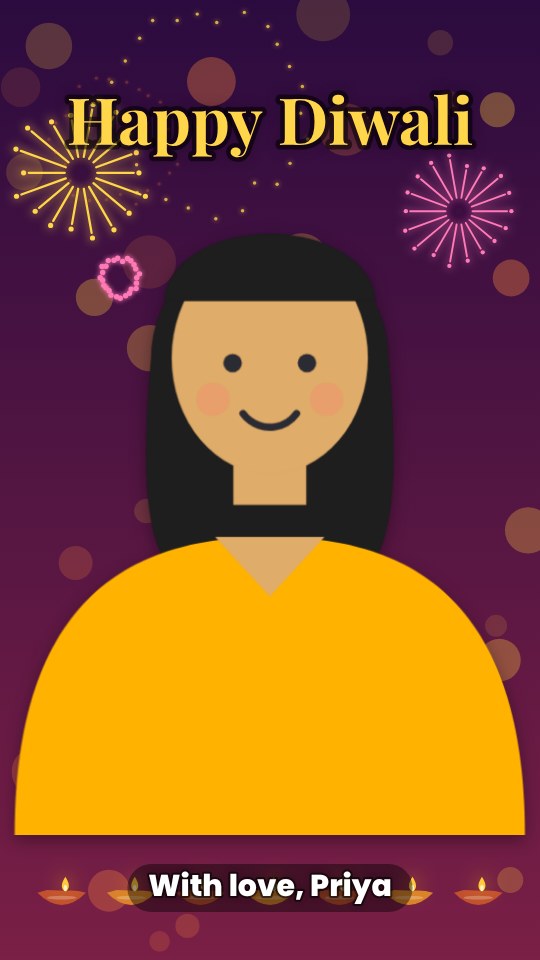
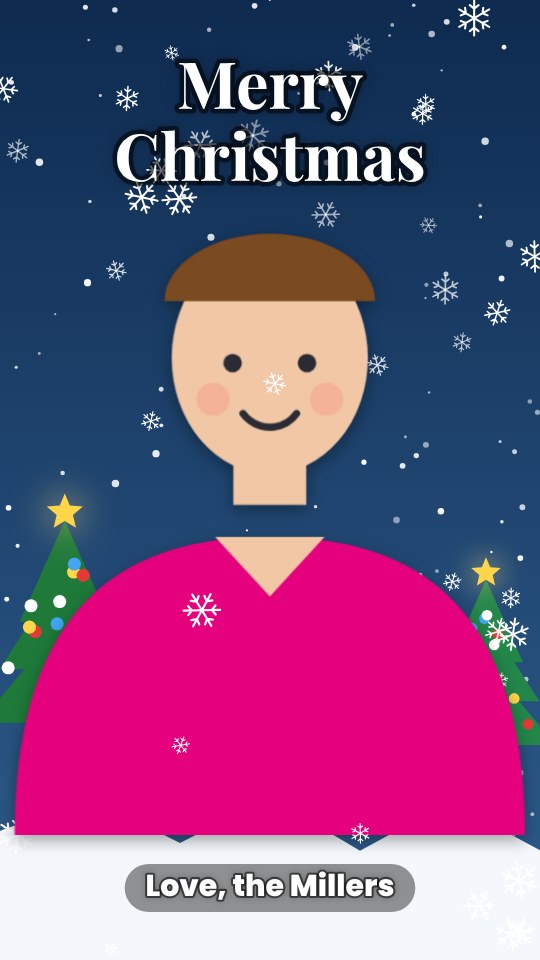
Cut yourself out into a chat sticker with a white edge and add your stickers to WhatsApp as your own pack. Or make a short greeting video with your photo inside a festival scene and music FotoFlood composes for the occasion, ready to send to WhatsApp, Instagram or Telegram.

  • Christmas
  • Easter
  • Halloween
  • Thanksgiving
  • Ramadan and Eid
  • Diwali and Holi
  • Hanukkah
  • Passover
  • Lunar New Year
  • Raksha Bandhan
  • Birthdays
  • Weddings
A frame from an Eid Mubarak greeting video A frame from a Happy Diwali greeting video A chat sticker of a person with a white edge and the word LOL

Old photos, fixed and coloured

Brighten a dark photo, sharpen a soft one, smooth the grain from a night shot, or bring back the colour of a faded print. FotoFlood looks at the photo and suggests what it needs. A black-and-white photo can be coloured too, and 16 FotoFlood filters finish the look.

  • Auto fix
  • Brighten
  • Sharpen
  • Smooth noise
  • Restore old photo
  • Colour black & white
  • 16 filters
A faded, yellowed print of four family portraits
Before
The same print after Restore old photo, with clear colours
After “Restore old photo”

Family albums and slideshows

Keep an album for each wedding, trip or Eid, in the order you choose. Turn any album into a slideshow video: gentle zoom, sliding photos, fades or instant prints that drop onto the table, with a title at the start and music at the back.

  • Up to 40 photos
  • 4 styles
  • Tall, square or TV
  • 9 tunes
A slideshow frame: a family collage printed like an instant photo on a paper-coloured background

Swipe Clean

Go through your gallery one photo at a time. Swipe left on what you don’t need and right on what you keep. You see everything you marked before anything goes, and on Android 11 and later it waits in the phone’s trash for 30 days.

  • Newest, oldest or screenshots
  • Undo
  • Review before deleting
  • Shows the space you free

Three steps

  1. Choose what to make

    A passport photo, a mug, a sticker or a festival video.

  2. Add a photo

    From your gallery or the camera. FotoFlood finds the face and does the sizing.

  3. Save, share or print

    Keep the file, send it to a chat, or take it to a print shop near you.

Your photos stay on your phone.

Finding faces, removing backgrounds, reading text, colouring photos and making videos all happen inside the app. There is nothing to sign up for.

Read the privacy policy

  • No account, no email, no sign-in.
  • Photos are not uploaded to us or to anyone else.
  • No ads and no tracking in the app.
  • Files you save go to your phone. You decide where to share them.

Try the Android beta

FotoFlood is in testing on Android. Send us the Google account email you use on your phone and we will add you to the test group.

Email to join the beta